
Managing money as a freelancer or self-employed professional is very different from working a traditional job.
There is no payroll department, no automatic expenses tracking, and no one reminding you about quarterly taxes. That’s why choosing the best bookkeeping software for self-employed professionals is one of the smartest business decisions you can make.
Whether you are a freelancer, independent contractor, gig worker, or solopreneur, keeping track of income, expenses, and tax deductions is essential for staying profitable and stress-free.
Without the right system, manual bookkeeping quickly becomes overwhelming, error-prone, and time-consuming.
In today’s blog, we’re going to discuss the best bookkeeping software specialized for self-employed and solopreneurs. So, let’s hop in!
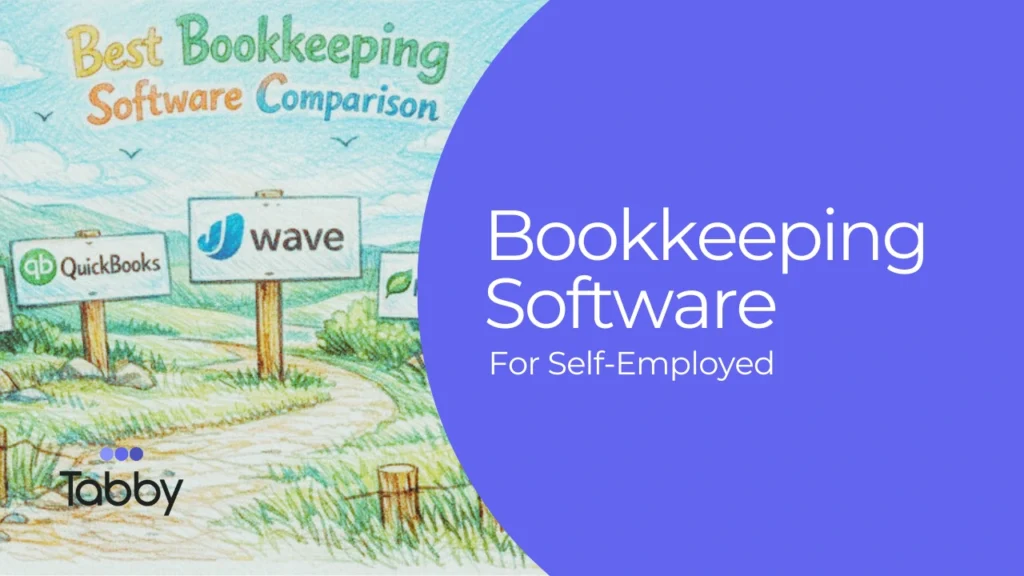
Comparison of popular bookkeeping software for the self-employed
| Tool | Price | Best for |
| Tabby | Forever free plan to start.Standard plan ($19/month); Professional plan ($29/month) | Solopreneurs and self-employed individuals |
| Quickbooks Solopreneur | $20/month | Freelancers and solopreneurs |
| Wave | Free for core features(optional $16/month Pro) | Small businesses with a tight budget |
| Freshbooks | Starts with $21/month | Service-based freelancers and consultants |
| Xero | $20-$80/month (tiered) | Growing small businesses |
Here are the details of each bookkeeping software:
Tabby
Ratings: 4.0 out of 5
Best for: Small businesses and self-employed professionals
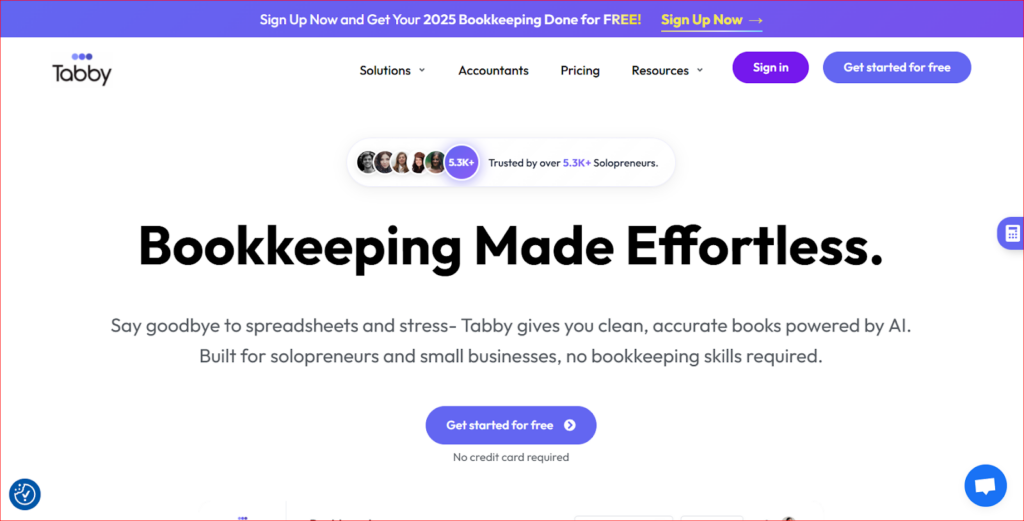
Tabby is an AI-powered bookkeeping app designed to help freelancers, independent contractors, and micro- business owners who want powerful bookkeeping without complexity. It automatically tracks income, expenses, and invoices. AI categorises everything, simplifying bookkeeping. Generates reports that are ready for tax season.
User testimonials from official sources show many users appreciate its simplicity and ease of use. Tabby’s AI automation and tax-ready features are highlighted in AppSumo reviews as valuable for small business owners who want to reduce bookkeeping time.
Pros & cons of Tabby
| Pros | Cons |
| Strong AI automation | Early-stage product |
| Mobile-first, intuitive UI | Support quality varies |
| Tax-ready reporting |
What I like most about Tabby:
- Saves a lot of time through automation
- Provides tax-ready insights
- User-centric design and straightforward workflows help non-accountants to navigate
QuickBooks
Rating: 4.4 out of 5
Best for: Solopreneurs and Small business owners
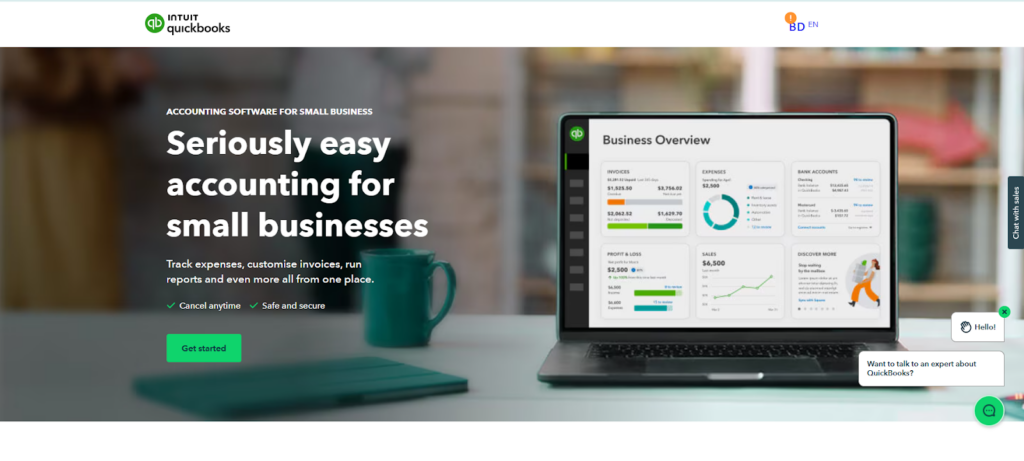
QuickBooks is Intuit’s accounting/bookkeeping software, which has introduced QuickBooks Solopreneur and QuickBooks Online (QBO). QuickBooks Solopreneur is designed for freelancers, gig workers, side hustlers, and solo business owners who want a straightforward bookkeeping tool tailored for a one-person business.
QuickBooks Solopreneur version helps track income/expense by connecting to bank/credit accounts. It automatically categorizes business and personal expenses. Other notable features include mileage tracking, receipt capture and storage, schedule C-style tax organization tools, and integration with TurboTax products if you want help at tax time.
QuickBooks has earned positive reviews among users who only need basic categorization and simple transaction tracking. However, some users have expressed concerns, as it is limited to one user and doesn’t allow an accountant to log in. People find that QuickBooks Online Simple Start (or higher tier) is more dependable for a real accounting system, even for a single owner. Also, it is not suitable for cross-border earners.
Pros & cons of QuickBooks
| Pros | Cons |
| Strong audit-proofing habits | Can get expensive if you outgrow solopreneur and need plus/advanced |
| Easier quarterly tax planning | QuickBooks solopreneur limits to one user. |
| Leverage AI agents to spot inconsistencies |
What I like most about QuickBooks:
- Standardize financial reports that align with US tax filings and CPA workflows
- Consistent categorization of personal and business expenses
- Strong bank feed and audit trail, making reconciliation and expenses verification easier.
Wave
Rating: 4.3 out of 5
Best for: small business owner (1-10 employees)
Wave offers free bookkeeping services for basic needs. It provides core accounting tools, including unlimited invoicing, expense tracking, and tax-ready reports. The pro plan adds automation, receipts scanning, and categorization, while payroll and bookkeeping services are available as optional paid add-ons.
Many users and small business owners often shift to Wave because it is budget-friendly and forgiving for those new to bookkeeping. However, as a business scales, Wave may no longer meet growing needs due to its limited advanced features. Additionally, some users report occasional MFA access issues, particularly when changing phones or failing to receive verification codes.
Pros & cons of Wave
| Pros | Cons |
| User friendly | Not ideal for larger teams and complex transactions |
| Low-cost automation | Payroll costs extra |
| Bank sync and payments |
What I like most about Wave:
- Easy for self-employed professionals
- Simple invoicing tools that reduce setup time and minimize categorization errors.
FreshBooks
Ratings: 4.5 out of 5
Best for: Freelancers and service-based small business owners
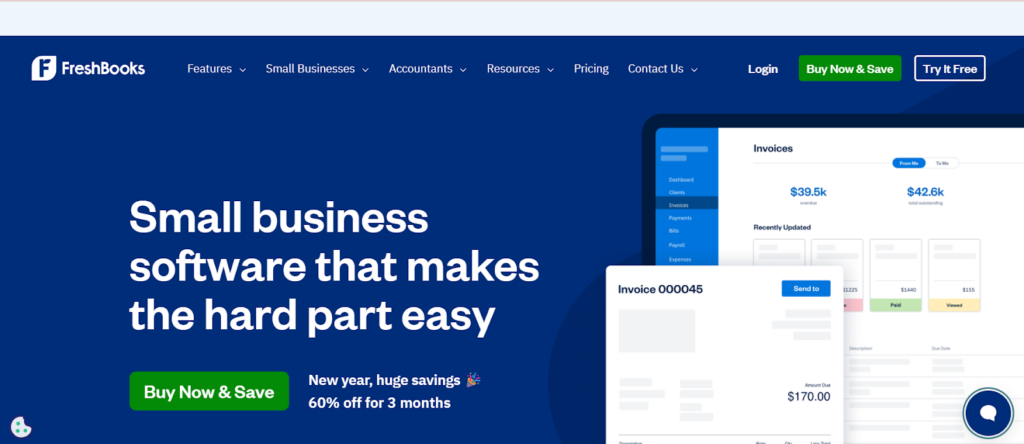
FreshBooks excels in invoicing and client management with its easy invoicing, time tracking, and expense management features. It’s designed to be intuitive for users without accounting expertise.
We have noticed some CEOs of small businesses have given FreshBooks a 5-star rating for its amazing features, helping project-based freelancers and service professionals with time tracking and invoicing features, but those who want deeper insights into financial trends get disappointed. Freelancers or small business owners with tight budgets may feel the cost is a bit higher.
Pros & cons of FreshBooks
| Pros | Cons |
| Cloud-based access | Not tax-focused |
| Strong invoicing and time tracking | Limited deeper accounting tools |
| Intuitive interface |
What I like most about FreshBooks:
- Easy for non-accounting clients to use, minimizing training time and bookkeeping support
- Very effective for time-sensitive projects
Xero
Ratings: 4.4 out of 5
Best for: Small business owners, Accountants and Bookkeepers
Xero is a cloud-based accounting software designed to help small and medium-sized businesses manage their finances online from anywhere. It offers bookkeeping services, invoicing, bank reconciliation, expense tracking, payroll support (via integration), real-time dashboards, and a broad ecosystem of third-party integration. Xero is known for its clean interface and scalability as companies grow.
We often notice users appreciate Xero’s clean, intuitive interface. However, many report issues with bank feeds, including syncing delays or duplicate transactions, which can make reconciliation frustrating. Getting support can be slow when feed issues occur.
Pros & cons of Xero
| Pros | Cons |
| Unlimited user | Support challenges |
| Extensive integration | Some advanced features are pricey |
What I like most about Xero:
- A strong option for small to medium businesses growing over time.
- It has a large ecosystem of third-party apps (payroll, payments, CRM) reduces manual data entry and improve accuracy.
Why do self-employed professionals need bookkeeping software?
Self-employed professionals manage every aspect of their business finances on their own, from issuing invoices and collecting client payments to tracking expenses, setting aside money for taxes, and filing returns.
Unlike traditional employees, there is no finance department handling these responsibilities behind the scenes.
Without a structured bookkeeping system in place, important financial details can easily slip through the cracks, leading to confusion, miscalculations, and costly mistakes over time.
This is where reliable bookkeeping software becomes essential.
One of the biggest advantages of using digital bookkeeping software is accurate tracking of income and expenditure.
Every transaction is recorded and organized, giving you a clear picture of where your money is coming from and where it is going.
This level of organization directly supports faster and easier tax preparation, since all financial data is already sorted and available when tax season arrives.
Bookkeeping also provides clear visibility of profits and cash flow, allowing freelancers and solopreneurs to understand their financial health at any moment.
When your records are organized year-round. You no longer need to scramble for receipts or search through old emails when preparing reports with fewer mistakes compared to manual tracking, which significantly reduces the risks of errors that can trigger audits, penalties, or missed deductions.
By contrast, manual bookkeeping using spreadsheets or paper receipts is time-consuming and unreliable. It often leads to missing deductible expenses, forgotten invoices, and inaccurate tax estimates.
Over time, these small errors accumulate, costing freelancers both money and peace of mind.
The best bookkeeping software for self-employed professionals replaces this chaos with automation and clarity, turning financial management into a simple, consistent, and stress-free process.
Top features to look for in a bookkeeping software
When selecting bookkeeping tools for freelancers and small businesses, certain features matter far more than others.
The right software should not only store financial information but also actively simplify your daily operations, reduce mistakes, and support long-term growth.
Understanding these essential features helps self-employed professionals choose a system that truly meets their needs.
- Automatic expenses categorization
Automatic expenses categorization is one of the most valuable features in modern bookkeeping software. Instead of manually entering and sorting each transaction, the system should intelligently classify expenses such as office supplies, travel, marketing, utilities, meals, and more.
This automation reduces the bookkeeping errors, eliminates hours of repetitive work, and ensures financial records remain accurate and up to date. It also makes it easier to identify deductible expenses at tax time.
- Bank and payment integration
Seamless integration with bank accounts, credit cards, and payment platforms ensures that every transaction is captured automatically.
This feature prevents missing income or expenses and keeps your records consistent with your actual financial activity. By syncing an overview of your business finances without the need for manual uploads or constant data entry.
- Invoice creation and tracking
The ability to create professional invoices, send them to the client, and track payment status in real time plays a major role in maintaining healthy cash flow.
Bookkeeping tools with built-in invoicing allow freelancers to see which invoices are paid. Which are overdue, and which require follow-up. This reduces the unpaid invoices, improves client communication, and helps businesses get paid faster and more consistently.
- Mobile-friendly interface
Self- employed professionals rarely work from one station. A right mobile bookkeeping app allows you to keep records of expenses, scan receipts, monitor income, and check financial reports from anywhere.
This flexibility ensures that your bookkeeping stays current even when you are traveling, meeting clients, or working remotely.
- Tax-ready reporting
Tax-ready reporting transforms complex financial data into simple, usable documents. High-quality bookkeeping software generates instant reports such as profit and loss statements, expense summaries, and income reports that are required for tax filing.
This makes tax preparation faster, more efficient, and significantly less stressful, giving self-employed professionals greater confidence and control over their finances.
How to choose the best tool for your needs
Consider the following before deciding:
- Business size and complexity
- Need for mobile access
- Integration with banks and payment platforms
- Balance between pricing and features
The bookkeeping software should feel simple, intuitive, and supportive, not overwhelming.
How Tabby simplifies bookkeeping for self-employed professionals
Tabby replaces traditional spreadsheets, scattered receipts, and endless manual calculations with an intelligent financial assistant designed for self-employed professionals.
Instead of juggling multiple tools or spending hours organizing numbers, Tabby centralizes all your financial activities in one simple, easy-to-use platform.
This allows freelancers, independent contractors, and small business owners to take control of their financial confidentiality.
With Tabby, you can track income, expenses, and invoices automatically, eliminating the need for repetitive data entry.
Every transaction is captured, categorized, and organized in real time, so you always know exactly where your money is going.
This automation not only saves valuable time but also ensures greater accuracy in your financial records, reducing the risk of errors that could lead to tax issues or lost deductions.
Tabby also allows you to generate detailed reports for taxes and financial planning with just a few clicks.
Whether you are prepping for quarterly estimated payments or annual tax filings, these tax-ready reports give you everything you need in a clear, organized format.
This makes collaboration with accountants easier and helps you to stay fully prepared for every tax deadline without the last-minute stress.
By helping you monitor cash flow in real time, Tabby provides valuable insights into the health of your business.
You can instantly see how much money is coming in, how much is going out, and how your profits are trending.
These insights allow you to make smarter business decisions, plan future investments, and avoid cash shortages that often disrupt small businesses.
Another powerful benefit of Tabby is its ability to identify deductions you might otherwise miss.
By consistently tracking and categorizing expenses, Tabby highlights deductible costs that reduce your taxable income and help you keep your hard-earned money.
Most importantly, Tabby helps you stay organized all year, not just during tax season. Instead of scrambling to gather documents when deadlines approach, your financial records are always up to date, accessible, and ready.
Summary
A bookkeeping software does more than track numbers; it protects your time, money, and peace of mind.
With automation, clear reporting, and smart insights, freelancers and solopreneurs can focus on growing their business instead of struggling with paperwork.
Accurate financial data helps you make confident decisions, stay prepared for taxes, and avoid costly mistakes
Tabby offers a modern, AI-powered solution built specifically for self-employed professionals, combining simplicity with powerful features to make bookkeeping stress- free, organized, and reliable throughout the year.
FAQs
- What is the best bookkeeping software for gig workers?
Tabby is suitable for gig workers.
- Can I use my mobile to manage my books?
Bookkeeping software like Tabby lets you manage your finances anytime from your phone.
- Does bookkeeping software integrate with bank accounts?
Yes, most tools connect directly to bank accounts and payment platforms for automatic tracking.