








4K+
Loved by 4K+ business owners.

Hate Bookkeeping?

Let Tabby AI Handle It.

 Your books run themselves — all year long. Powered by AI. Designed by a CPA.

Tabby has been game-changing for me. It’s simple, easy to use, and the AI categorization makes life so much easier. Honestly, the more I use it, the more I prefer it over QuickBooks- perfect for solo entrepreneurs with simple needs. Nice work!
4,000+
Solopreneurs
3,159+
Bookkeeping hours saved
$15M+
Total tax deduction found by Tabby AI deduction finder
95%
AI Accuracy

From Financial Chaos to Financial Visibility.

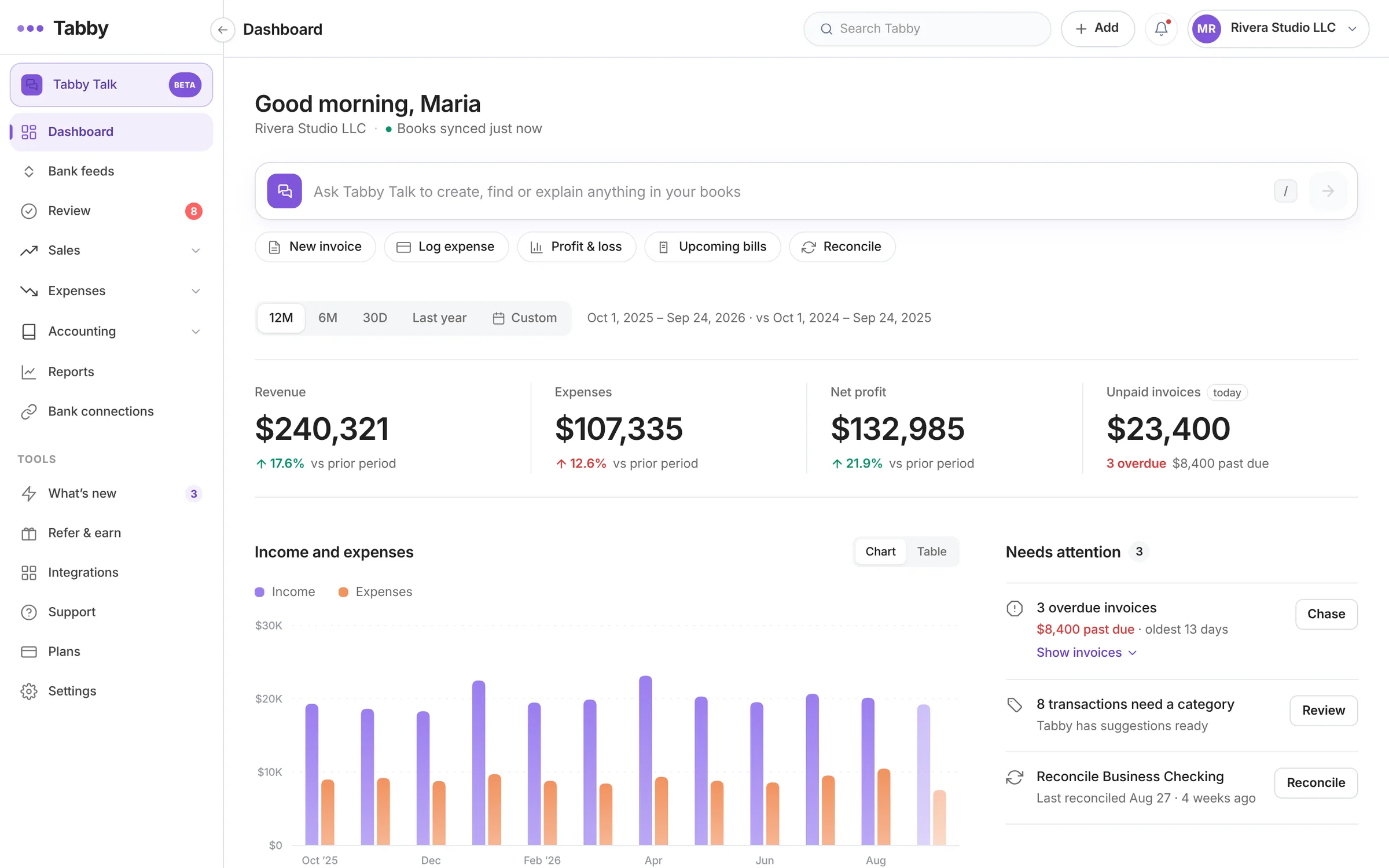
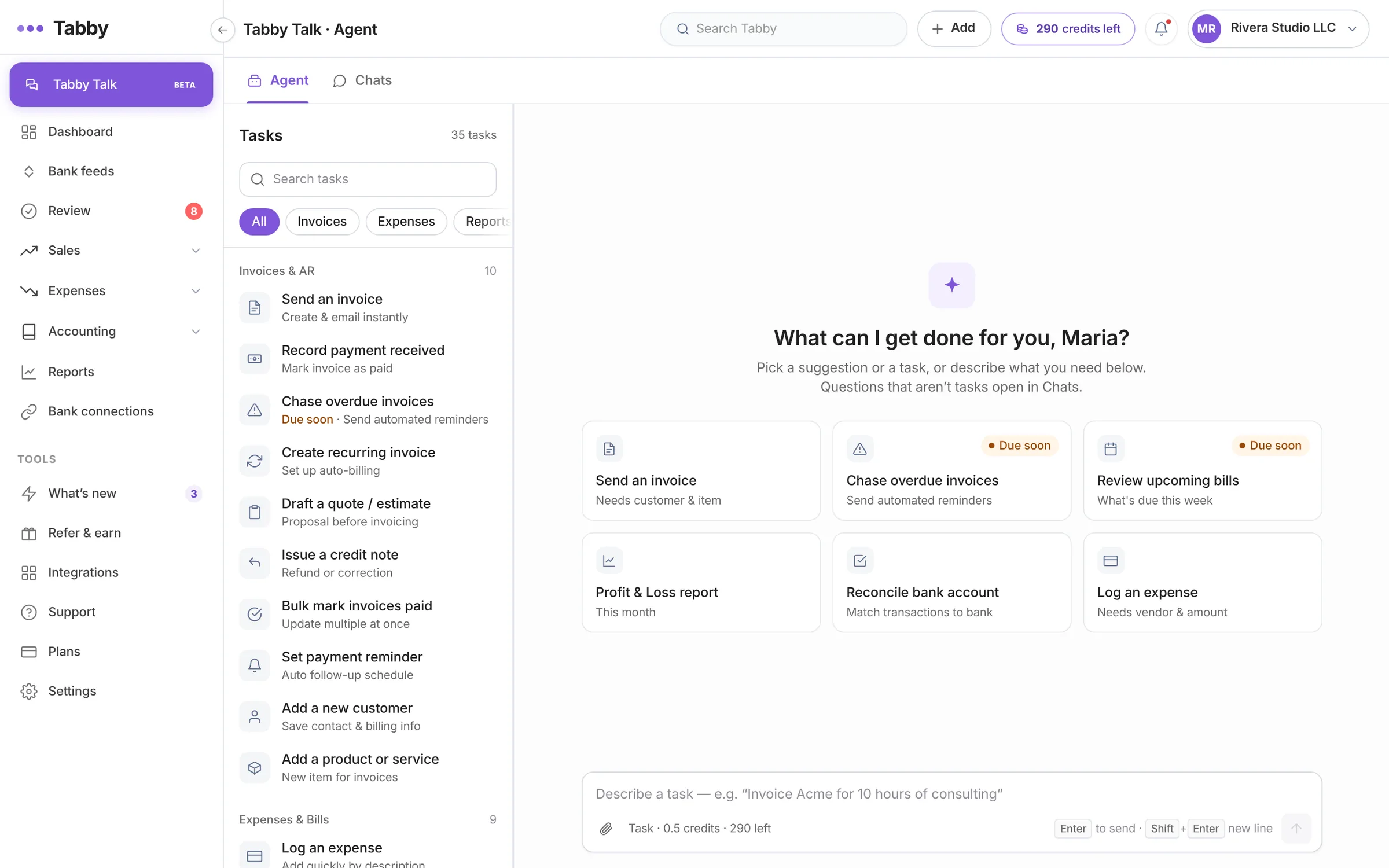
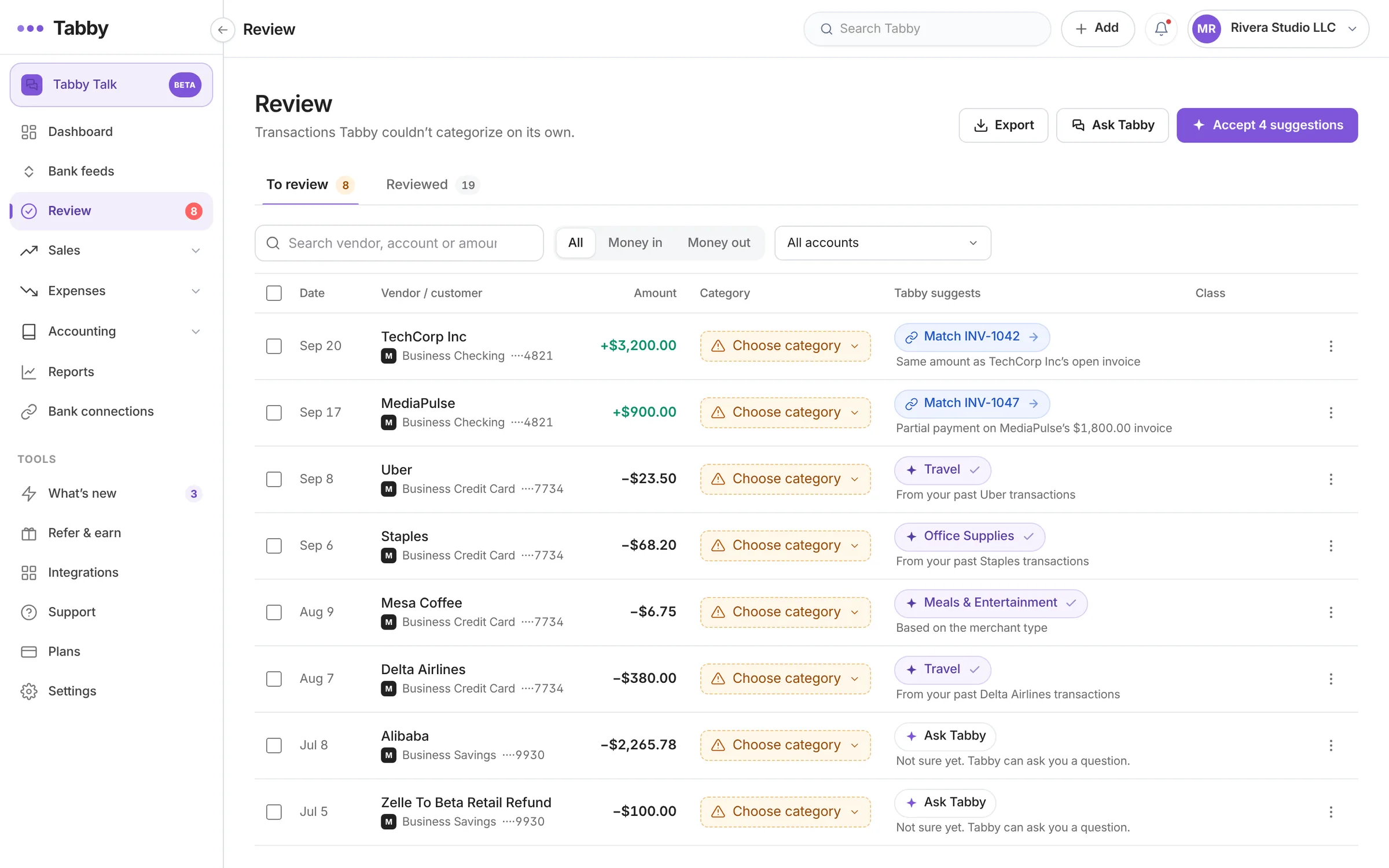
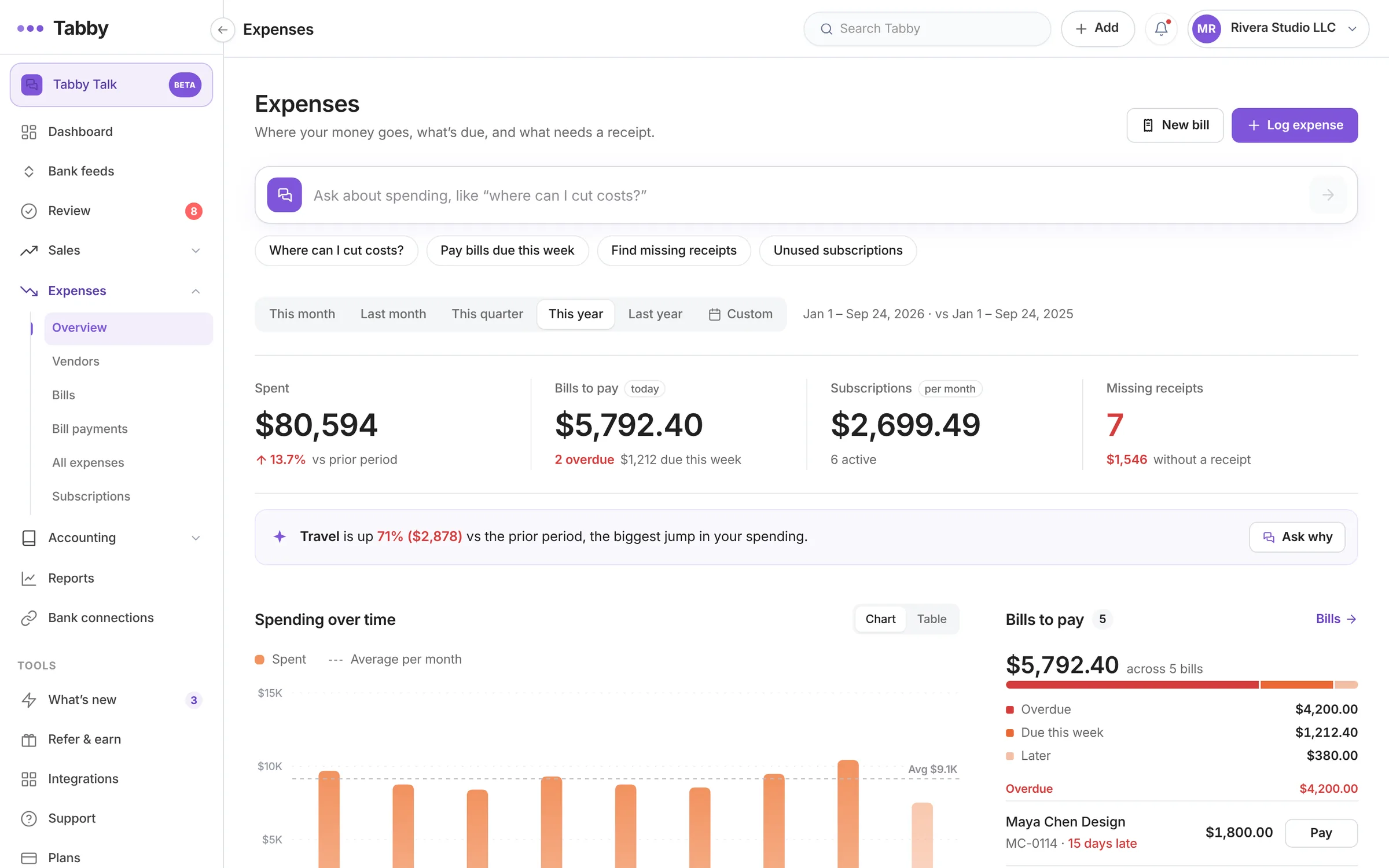
No setup ceremony. No accounting vocabulary to learn. No spreadsheets to import. Tabby starts working the moment your bank is connected, and it doesn’t stop.

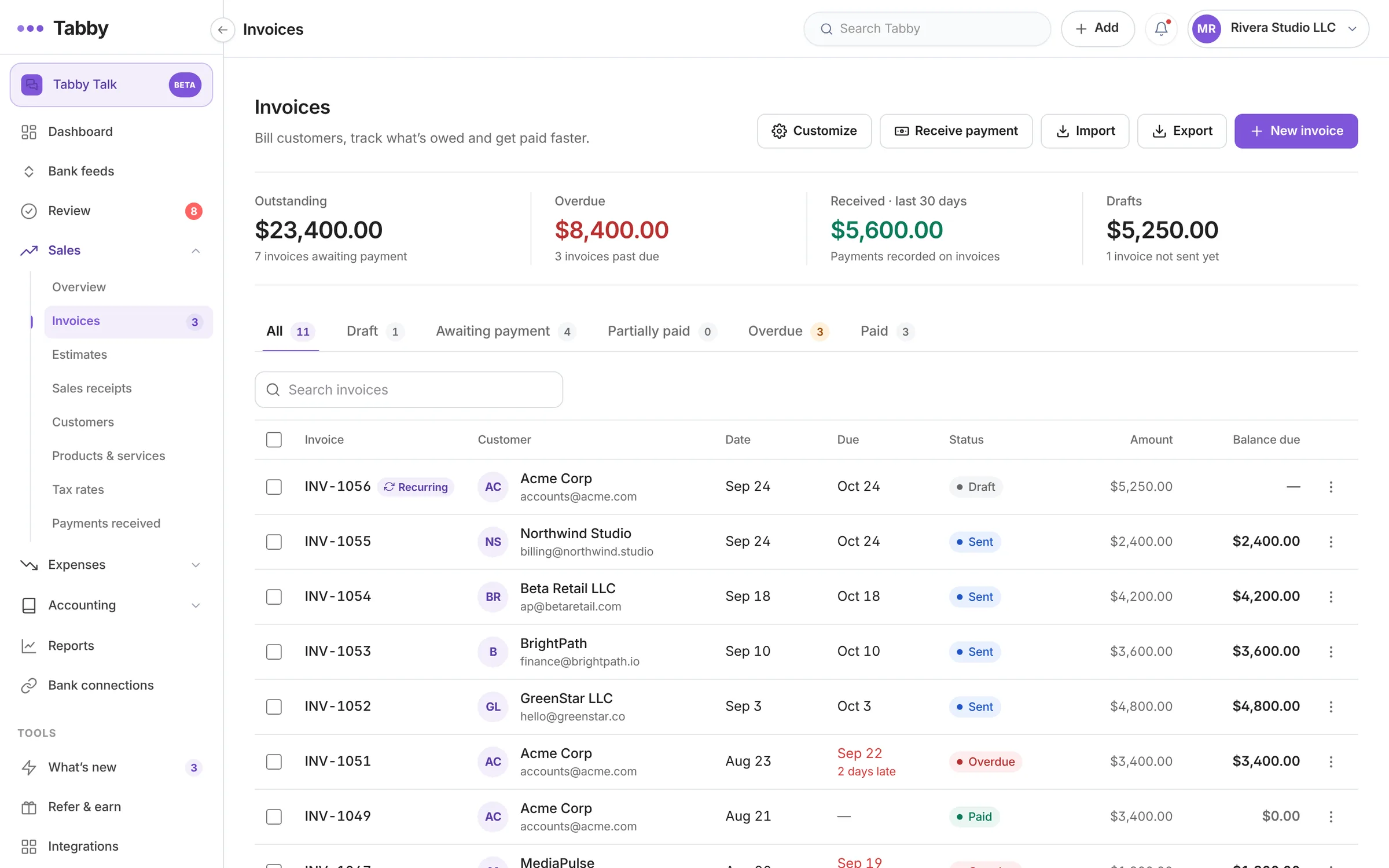
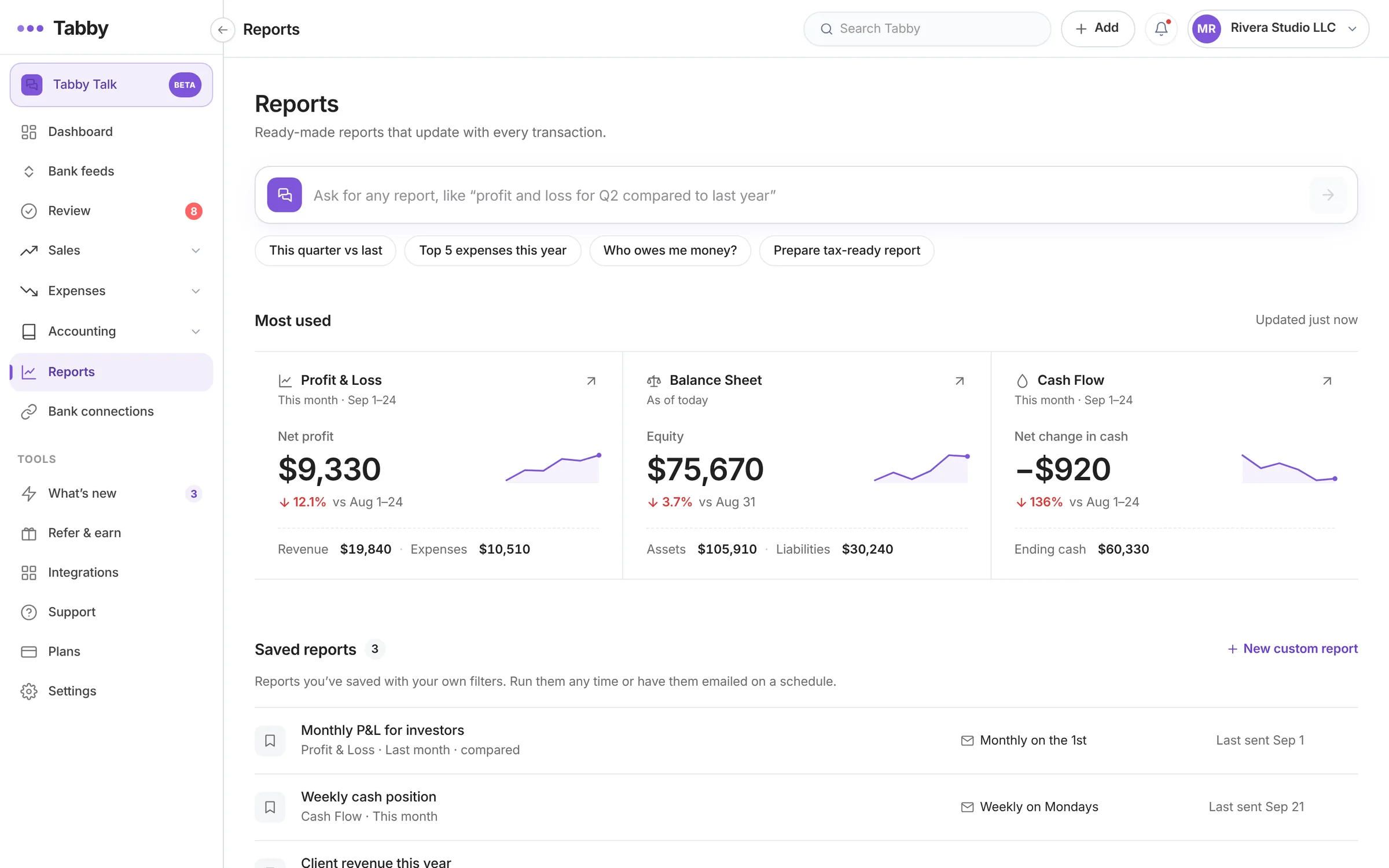
Tabby AI bookkeeping dashboard

Create Account

Use your personal or business email to signup. Verify your account using the OTP.

connect bank 1 1

Connect Banks

Connect all your business and personal accounts, credit cards for automation.

insights

Get Books Ready

Now, see all your transactions; income and expenses in one place with tax-ready reports

Tabby Demo
Interactive Demo  ·  No Signup Required

Experience Tabby AI in Action

See how Tabby automates your bookkeeping in less than 60 seconds. No signup required!

1
Auto-Categorization
Watch Tabby AI categorize 10 sample transactions in real-time
2
Review & Guide
Help Tabby learn by categorizing 2 transactions yourself
3
Generate Report
See a professional Profit & Loss report generated instantly
1
Tabby Auto-categorizes
AI processes transactions
2
Your Turn to Review
Verify 2 transactions
3
Generate Report
View P&L insights
AI Categorizing Transactions
0/10
Initializing...

Your Turn to Review

Tabby AI couldn't identify these 2 transactions (highlighted in yellow). Please review and select the correct category for each one.

Date Payee Amount Account Category Status

Congratulations!

All transactions categorized

Your books are ready! Generate your first report to see your financial insights.

Demo Complete!

You're a Tabby pro now

You just experienced how Tabby automates bookkeeping in real-time. Ready to try it for real?

Demo Business

PROFIT AND LOSS

From 10/01/2025 To 10/30/2025

Income

Revenue
$664.20
Total Income
$664.20

Expenses

Advertising & Marketing
$456.89
Meals
$591.07
Phone & Internet
$60.24
Software
$111.76
Supplies
$116.40
Total Expenses
$1,336.36
Net Income
($672.16)

Secure, Faster and Automated.
Here's How Tabby Saves You 8-10 Hrs a Month

Accurate Categorization

TabbyAI cleans messy bank statement data, analyzes and categorizes your transactions in real-time, saving you hours of manual work.

AI Transaction Categorization

Automatically categorizes your expenses with 99% accuracy using advanced AI

Starbucks $5.47 Meals
Uber $23.50 Transport
Electric Bill $89.00 Utilities

Saves up to $5k in Taxes

Tabby’s AI scans every transaction to uncover deductions you’d otherwise miss- so you keep more money in your pocket.

Tax Deduction Finder
Never miss a deduction — AI identifies all tax-deductible expenses automatically
Office Supplies $234 Tax Deductible
Client Lunch $89 Tax Deductible
Software License $456 Tax Deductible

Tracks your Money

TabbyAI cleans messy bank statement data, analyzes and categorizes your transactions in real-time, saving you hours of manual work.

Real-Time Expense Tracking
Monitor spending as it happens with automatic expense tracking and insights
Total $156
Morning Coffee
$45 Food & Drink
Gas Station
$22 Transportation
Phone Bill
$89 Utilities

Smart Matching Mode

Tabby automatically matches your bank transactions with the right categories, saving you time and reducing errors.

Smart Transaction Matching
AI matches bank transactions with receipts and invoices instantly
BANK
$456.00
Matched!
RECEIPT
$456.00

Your Peace of Mind is Important.
Tabby Ensures Bank-grade Security

Securely Connect Your Bank in Seconds

Connect with your trusted banks and credit cards through the world’s most trusted digital finance platform to automate your bookkeeping.

Over 10,000 financial institutions available.

Integrated Partners

Plaid 1 1 e1762757625566
Open AI 1 e1762757666411
Stripe 1 1 e1762757710317
AWS tabby
Bank
Cards
Invoice
Receipt
Bank-Grade
Security
Protected
Data
256-bit
Encryption
Verified
Secure
Tabby — Founder Section
Ahad Ali, CPA
12+ years experience 1,500+ clients

Built by a CPA who’s helped 1,500+ businesses

Tabby is built by Ahad Ali, a CPA with 12+ years of experience helping self-employed professionals stay tax-ready and financially organized. His expertise powers the AI inside Tabby — so your books are in good hands.

Ahad Ali, CPA
Co-founder & CEO
Start Free

Your Books, Always On the Go with You

Tabby is built with a mobile-first approach ensuring small business owners can manage their finances anytime, anywhere.

Tabby AI bookkeeping dashboard overview

More Tabby App Features

Receipt scanner

Snap a photo and let Tabby record every receipt automatically.

Expense tracker

Track every expense in real time, without lifting a finger.

Invoice generator

Create and send professional invoices in seconds.

Real-time insights

See your cash flow and finances update instantly.

What Business Owners say Once Tabby is Doing the Work.

4,500+ Solopreneurs, Multi-business Owners, Freelancers and 1099 Workers are changing the way they do bookkeeping and saving ~$5,000 in taxes.

Tabby — Testimonials
★ ★ ★ ★ ★

“Tabby has been game-changing for me. Simple, easy to use, and the AI categorization makes life so much easier. The more I use it, the more I prefer it over QuickBooks — perfect for solo entrepreneurs with simple needs.”

Michael Reynolds
Freelance Consultant
★ ★ ★ ★ ★

“As a real estate agent I always ignored bookkeeping because I had no time. Now Tabby does it all — sorting and organizing my expenses easily. I have better control over my finances throughout the year.”

Emran Bhuyian.
Real Estate Agent
★ ★ ★ ★ ★

“Finally a bookkeeping app that handles multiple businesses. Tracking 4 companies used to be a nightmare with spreadsheets and lost receipts. Tabby’s AI sorts everything automatically and I manage it all from my phone.”

Joseph.
Multi-Business Owner

Reasons they Love Tabby DIY Bookkeeping

From stress-free taxes to smarter automation, here’s why business owners choose Tabby as their go to financial tool.

Finds Financial Loopholes

Uncovers overlooked financial gaps so you can plug leaks and keep more of what you earn

Catches 30% More Deductions

Automatically identifies deductible expenses to maximize your savings come tax season.

Generates Tax-Ready Reports in Seconds

Get instant, easy-to-read financial snapshots to guide smart business decisions

Accurate AI Categorization

AI sorts transactions into the right categories instantly- no manual tagging required.

Built for the Hustlers like You

Tabby knows what your books look like. Because we built it for your work specifically.

4,500+ Solopreneurs, Multi-business Owners, Freelancers and 1099 Workers are changing the way they do bookkeeping and saving ~$5,000 in taxes.

Tabby — Built for you

Start Free. Pay When Tabby has Already Paid for Itself.

We have designed our plans to get you started right away. Start with the Free plan, take it easy and keep growing.

Tabby — Pricing
Free Forever
$0 /mo

Perfect for getting started.

  • Up to $15K annual expenses
  • Single user
  • Connect 1 account
  • Daily account sync
  • P&L report
  • Basic AI bookkeeping
  • Email support
Get Started Free
Professional
$39/mo Save $120
$29 /mo  (tax deductible)

For established businesses.

  • Unlimited annual expenses
  • Up to 5 users
  • Connect unlimited accounts
  • Real-time account sync
  • Advanced AI categorization
  • Advanced AI bookkeeping
  • Advanced financial reports
  • Priority support
Start Free Trial
No credit card to start
30-day money-back guarantee on paid plans
Cancel any time, export your data any time

Tabby vs Quickbooks

QuickBooks was built for accountants. Tabby is built for you. AI-powered, mobile-first, and designed to save small business owners time and money.

Tabby vs QuickBooks
Features Tabby QuickBooks
AI-powered transaction categorization
AI expense pattern learning
Built-in AI tax write-off finder
Smart AI transaction matching
Mixed personal & business accounts
AI categorization assistant
Automated GL-based bookkeeping
Real-time client dashboard
Unlimited bank connections Paid plans only
Bank connection with Magic Link
Receipt upload & matching
Invoice creation
Automatic bank sync
Real-time profit & loss report
Bank-level encryption
Mobile-first design Partial
Made for small businesses (CPA input)
Tax-ready reports (one-tap export)
Clean, user-friendly interface
Built for non-accountants
Affordable pricing (under $20/mo)
Chat & email support Limited

Frequently Asked Questions

The doubts you have right now. The honest answers.

Tabby — FAQ

Will it work with my bank?

Almost certainly. Tabby connects through Plaid, which supports 10,000+ US and Canadian financial institutions — every major bank, most credit unions, and most credit cards. If your bank isn’t supported, you can still upload statements manually until it is.

Is my bank data safe? Can Tabby move money?

No, Tabby cannot move money — Plaid’s connection is read-only. We see transactions, balances, and metadata. We can’t initiate transfers, charge cards, or change your account. All data is encrypted in transit and at rest (AES-256), and you can revoke access from your bank at any time.

I already have an accountant. Does Tabby replace them?

Up to you. Most customers keep their accountant for year-end filing and use Tabby to keep the books they hand over clean, current, and complete — which usually means smaller accountant bills. Some customers drop their bookkeeper entirely and only use a CPA at tax time. Tabby exports clean CSV, QBO, and PDF reports your accountant can drop straight into their workflow.

I run multiple LLCs. Can Tabby keep them separate?

Yes — on the Professional plan. Each entity gets its own books, its own categorization rules, and its own reports, but you manage all of them from one login. Tabby handles the personal/business split per-entity automatically.

What if I get audited?

Tabby keeps a full categorized transaction log, matched receipts, and audit-ready reports for every tax year — exactly what an IRS auditor or your CPA will ask for. Export anything to PDF in one click. Tabby’s tax logic is reviewed by a working CPA; we’re explicit about which categorizations are 100% confident vs. require a human glance.

Can I export my data if I leave?

Always, in one click. CSV, QBO (QuickBooks), and PDF. No lock-in. If Tabby isn’t working for you, you should be able to walk away with everything we built. That’s the deal.

How much does Tabby cost?

Tabby is free forever for up to $15K/yr in tracked expenses — no credit card required. Paid plans start at $19/mo (yearly billing) for Standard, which covers up to $200K/yr in expenses and 3 bank connections. Professional is $29/mo (yearly) with unlimited expenses, unlimited bank connections, and up to 5 users. Monthly billing is also available. All paid plans are tax-deductible and come with a 30-day money-back guarantee.

Do I need to know accounting to use Tabby?

No. Tabby is built for non-accountants — solopreneurs, 1099 contractors, real estate agents, and small business owners who never wanted to learn QuickBooks. The AI handles categorization automatically. Reports are written in plain English, not bookkeeping jargon. If you can use a banking app, you can use Tabby.

Can I switch or cancel my plan anytime?

Yes. Upgrade, downgrade, or cancel from your account settings at any time — no calls, no retention scripts. Paid plans include a 30-day money-back guarantee. Your data stays exportable to CSV, QBO, and PDF whether you stay or leave.

What makes Tabby different from other bookkeeping apps?

Three things. First, Tabby is built for self-employed people and small business owners — not for accountants — so the interface is plain English, not jargon. Second, Tabby’s AI handles categorization, deduction-finding, and expense pattern learning automatically; most competitors still require manual tagging. Third, Tabby’s tax logic is reviewed by a working CPA with 1,500+ small business clients, so it’s grounded in actual practice — not generic accounting software assumptions.

Can I use Tabby for both personal and business accounts?

Yes — and this is something most bookkeeping apps refuse to do. Connect a personal card that you sometimes use for business, and Tabby’s AI separates business transactions from personal ones automatically. Only the business ones hit your books. No more keeping a perfectly clean business-only card just to use the software.

Try Tabby on Your Real Numbers. Decide Later.

Connect your bank in five clicks. Tabby reads the last 3-18 months and shows you what’s been hiding in plain sight. If you don’t see the value in the first month, walk away. No card to cancel.

Is Your Bookkeeping Costing You Money?

Download the free cheat sheet every solopreneur & small business owner should have — written by a CPA.
Cheat Sheet Download Form